

Disable Right-Click Menu
Instantly disable the right-click context menu across your site to prevent unwanted actions.
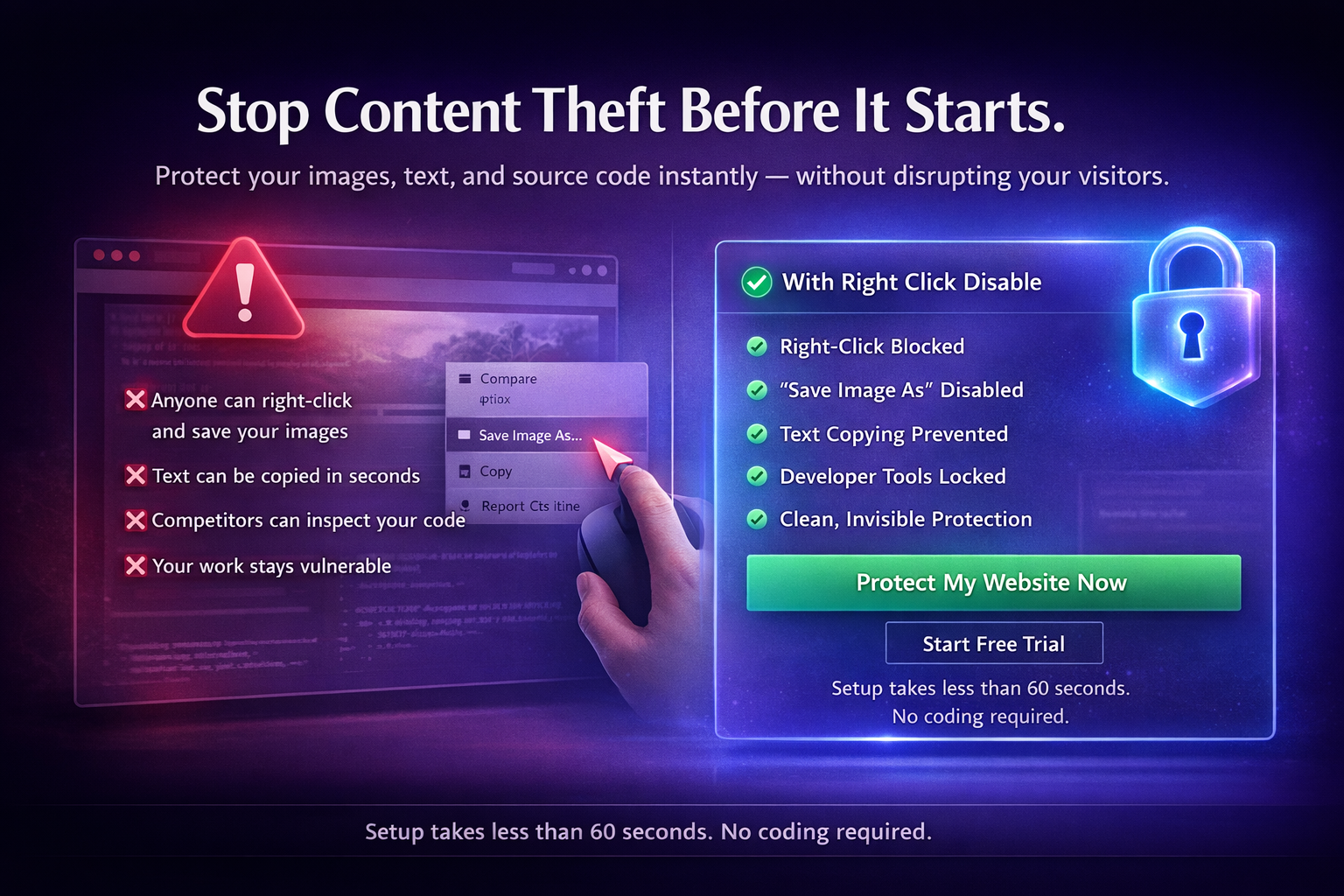
Block right-click actions, prevent image downloads, disable text copying, and lock developer tools — without affecting your design.
Secure your images, text, and code across all devices.
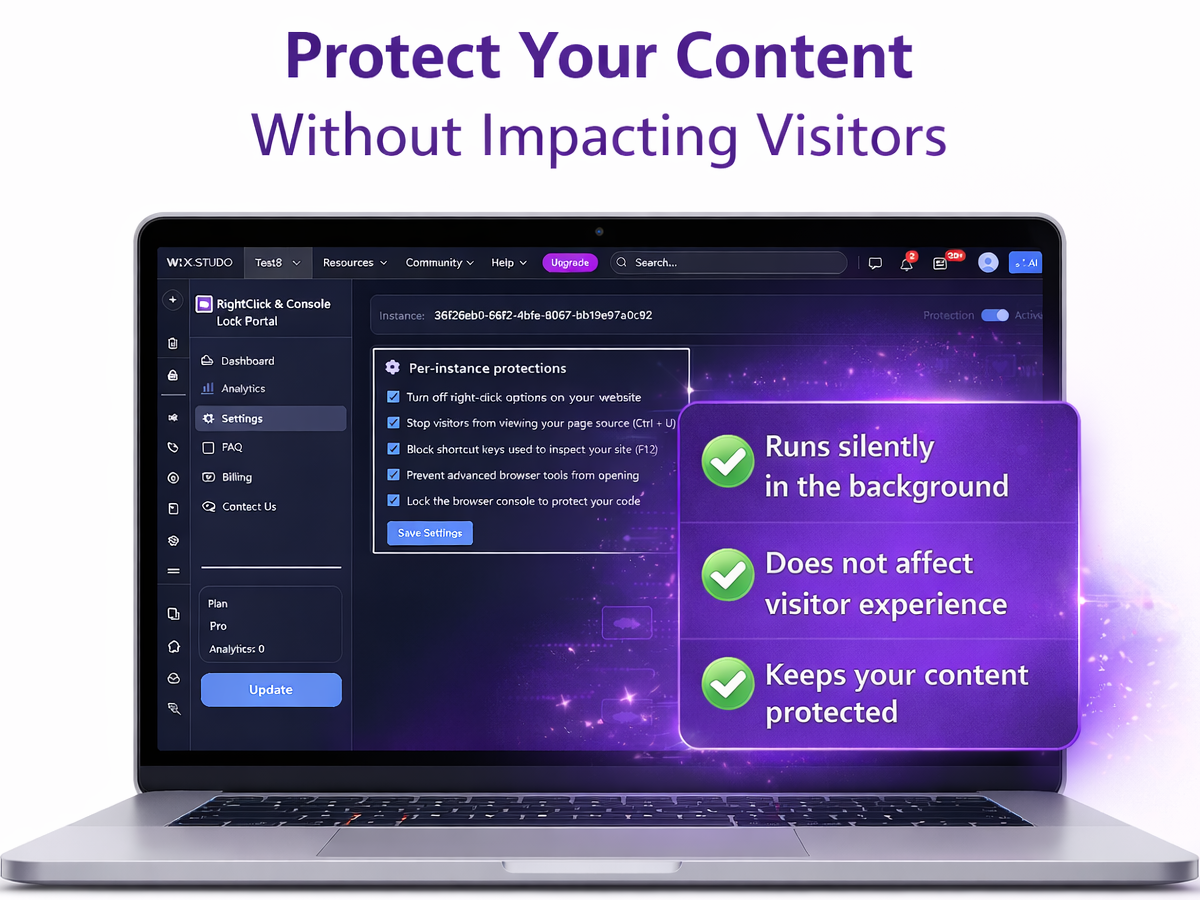
Available on Wix App Market
Protecting your work online shouldn’t be complicated. Right Click Disable helps safeguard your website’s images, text, and code in three simple steps.
The app offers a simple setup and automatically adapts to your website’s design or theme changes without requiring technical knowledge.
Works seamlessly on both desktop and mobile browsers to provide consistent protection across all your devices.
The app works in the background and does not add banners or popups, ensuring an uninterrupted browsing experience.
Anyone who publishes original content on the web has something worth protecting. Right Click Disable works silently in the background — your visitors never notice it's there.
Stop visitors from right-click saving or drag-dropping your original images — keeping your work exclusive to clients who pay for it.
Prevent competitors from downloading and reusing your product photos on their own stores — protecting the visual identity you worked to build.
Lock page text against selection and copying — so your articles, product descriptions, and landing page copy can't be lifted without effort.
Block keyboard shortcuts like Ctrl+U and F12 so competitors can't easily inspect or replicate your frontend code and design patterns.
Protect course material, written content, and embedded media from being copied and redistributed outside your platform.
Add a layer of friction to internal or client-facing pages — making it harder for unauthorized visitors to scrape or inspect sensitive content.
Secure your images, text, and code with a simple setup. Your visitors see your site, not our app.
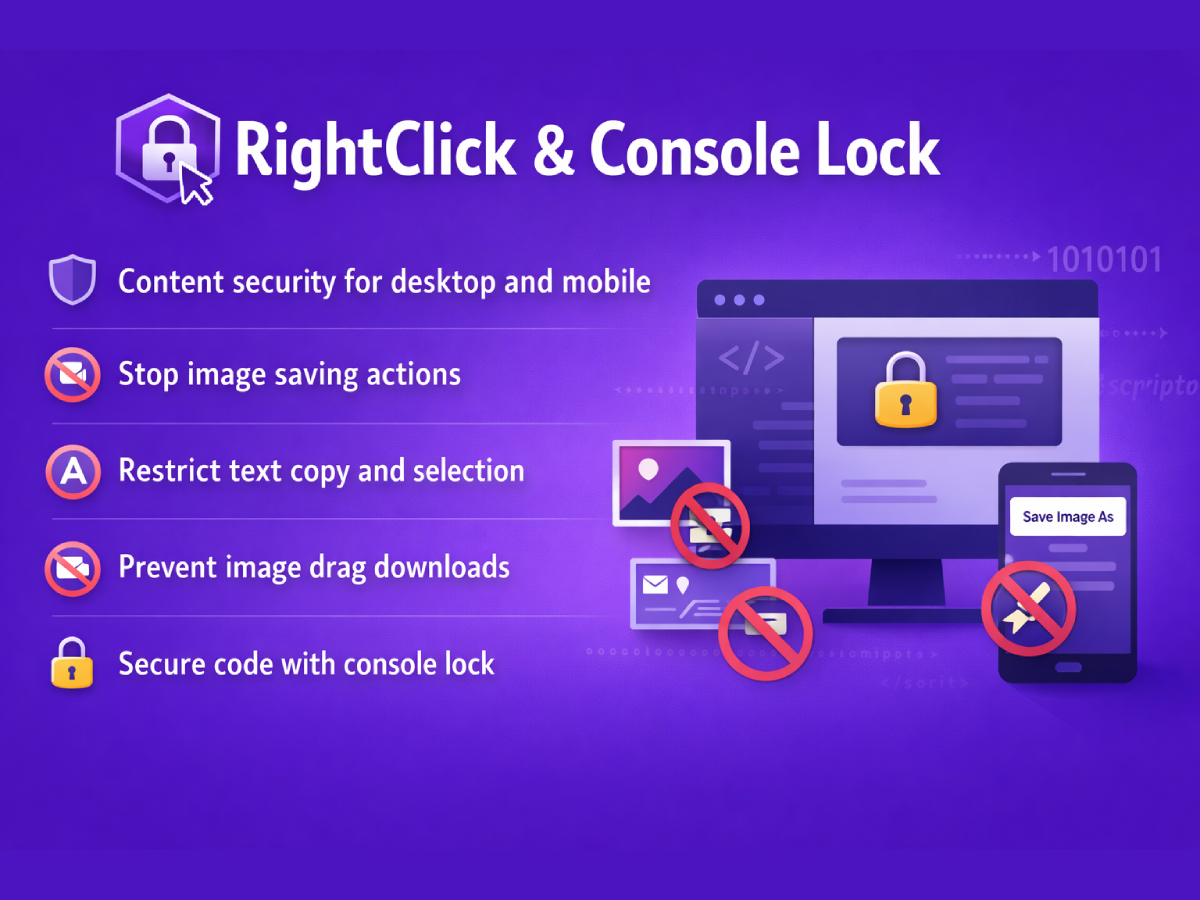
Prevent visitors from saving images or accessing the context menu on your work.
Stop unwanted text selection and copying across your entire website instantly.
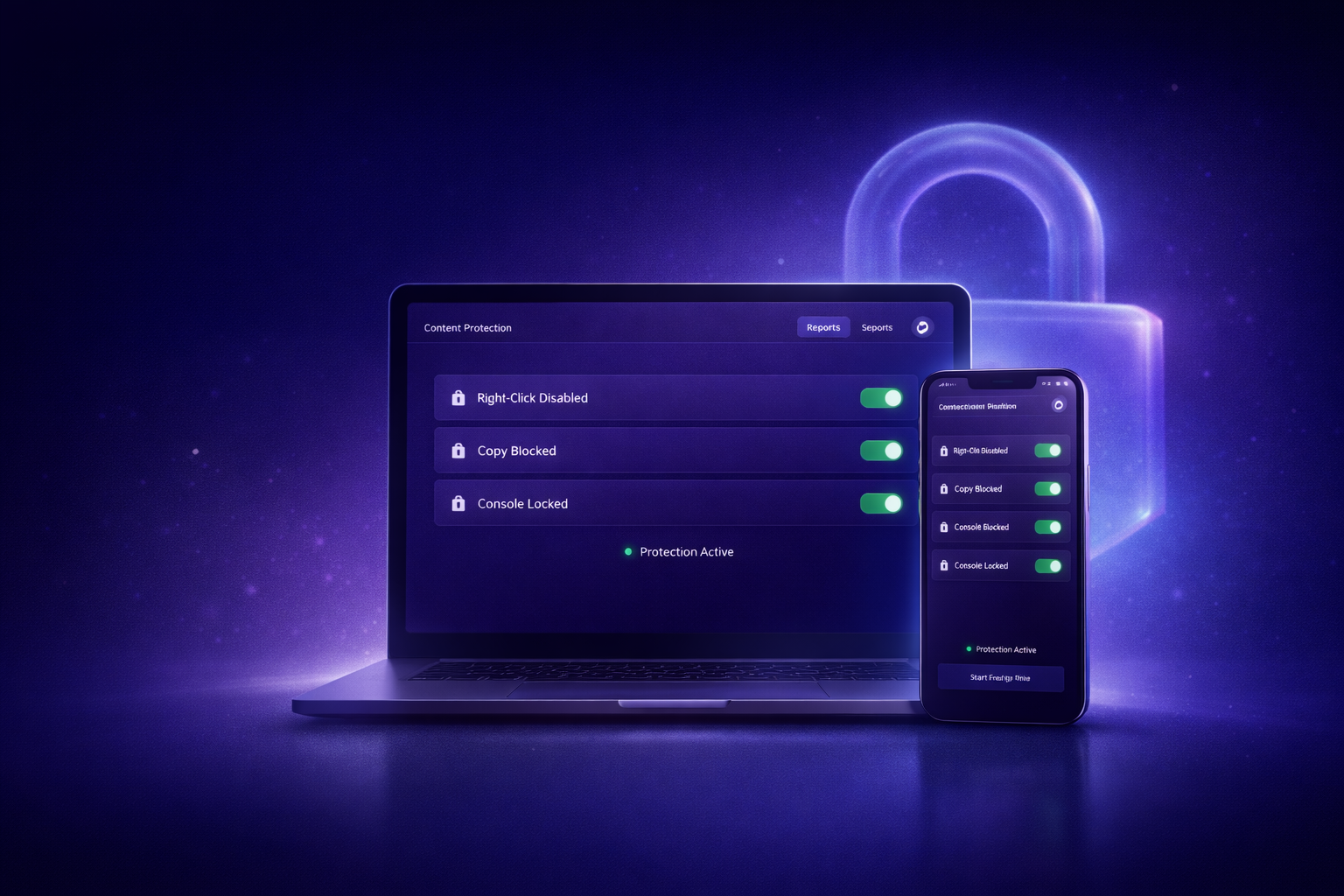
Restrict access to developer tools and browser console to protect your source code.
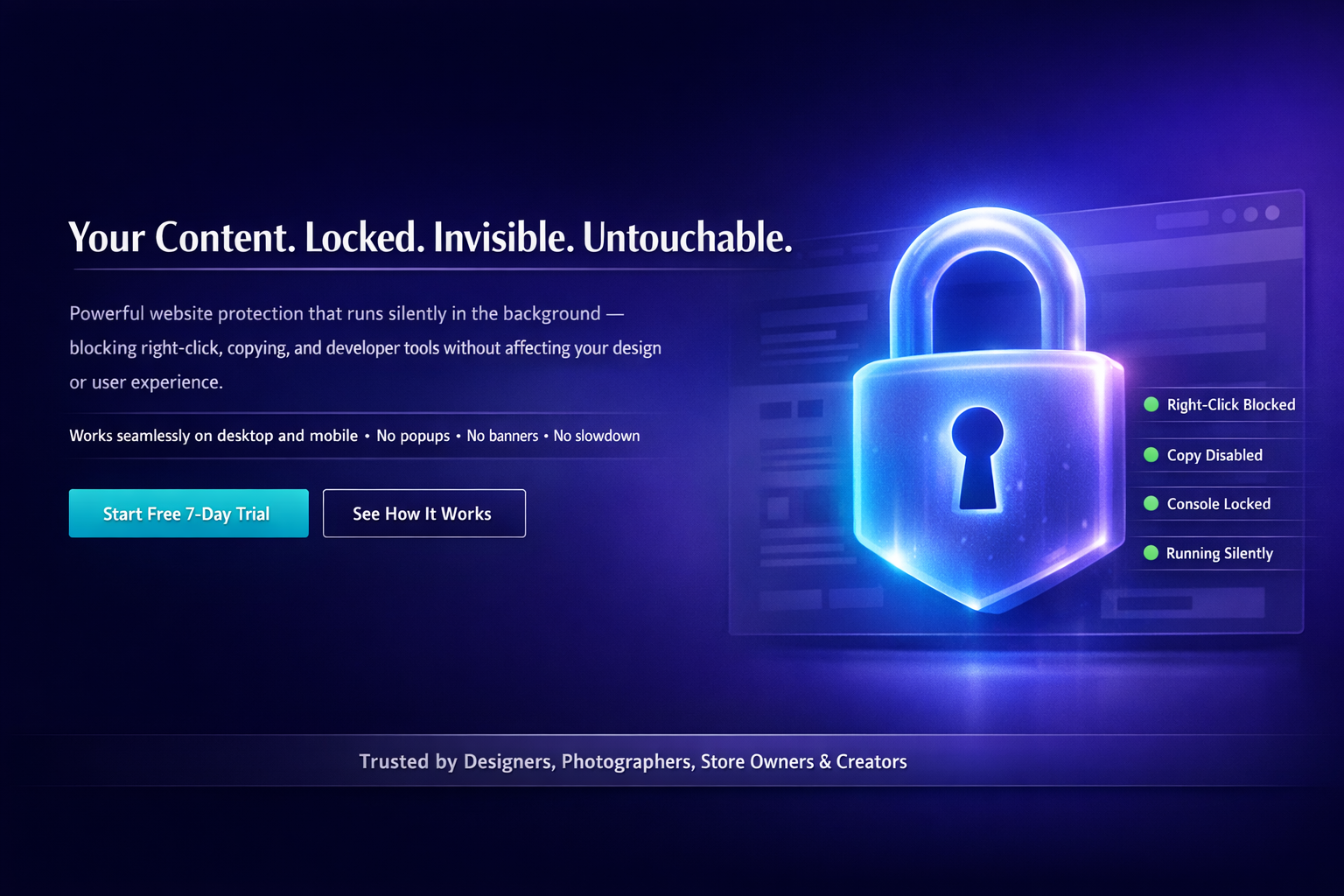
Right Click Disable helps safeguard your website’s images, text, and code by disabling right-click menus, blocking copying tools, and securing the browser console. It keeps content thieves away while ensuring visitors enjoy a smooth, uninterrupted browsing experience.
The app provides a clean user experience with no banners, popups, or interruptions. It offers a simple setup that automatically adapts to your site’s design or theme changes and works seamlessly on both desktop and mobile devices.
Whether you’re a designer, photographer, store owner, or creator, Right Click Disable provides the protection you need without compromising your site’s appearance or performance. Start protecting your hard work today.
A complete content protection layer for your website — built to stay invisible and effective.
Instantly disable the right-click context menu across your site to prevent unwanted actions.
Lock your text to prevent selection, highlighting, and copying by uninvited visitors.
Block visitors from dragging images off your site and saving them to their desktop.
Disable common shortcuts used to view source code or inspect elements (Ctrl+U, F12).
Restrict access to the browser console to protect your scripts and media URLs from inspection.
Run high-level protection without affecting your website's speed or performance.
"I used to worry about people stealing my photography. Now, my work is secure and the site experience remains flawless. It's a must-have for any creator."
"Right Click Disable is a game-changer. It stopped image thieves overnight without adding any ugly popups to my store. My customers don't even know it's there."
"The setup was truly one-click. I can finally protect my design code and unique patterns from being easily inspected by competitors. Highly recommended."
Start free and upgrade when you need more. No hidden fees, no long-term commitment.
Free
No credit card required
Paid
Everything unlocked
Right Click Disable helps protect your website’s content by disabling right-click actions, blocking text copying, preventing drag-and-drop saving, and restricting keyboard shortcuts commonly used to inspect or download content.
The app can block:
No. The app works in the background and does not add banners, popups, or visible elements. It maintains a clean and uninterrupted browsing experience for your visitors.
Yes. Right Click Disable works seamlessly on both desktop and mobile browsers to provide consistent protection across devices.
Not at all. The app offers a simple setup and automatically adapts to your website’s design or theme changes without requiring technical knowledge.
You can upgrade, downgrade, or switch your plan at any time from the Billing section in your app dashboard. Simply choose between Free, Basic, or Pro, and your changes will take effect immediately.
While the app prevents common copying and inspection methods, it cannot prevent users from taking screenshots, as this depends on the visitor’s device capabilities.
No. The app is lightweight and optimized to run without affecting your website’s speed or performance.
Yes. The app offers a 7-day free trial, allowing you to test all features before subscribing.
Right Click Disable is ideal for Designers, Photographers, Store owners, Content creators, Developers, and anyone who wants to protect images, text, and source code.
Yes. You can choose which pages the protection runs on and exclude any pages where you don’t want it enabled.
If you need assistance, contact support@wixstore.shop.
Start your 7-day free trial and secure your content today.
Start Free TrialSecure your images, text, and code with a single setup.


