

Product Zip Codes
Add zip codes where you ship physical products, each with a custom delivery day estimate customers see instantly.
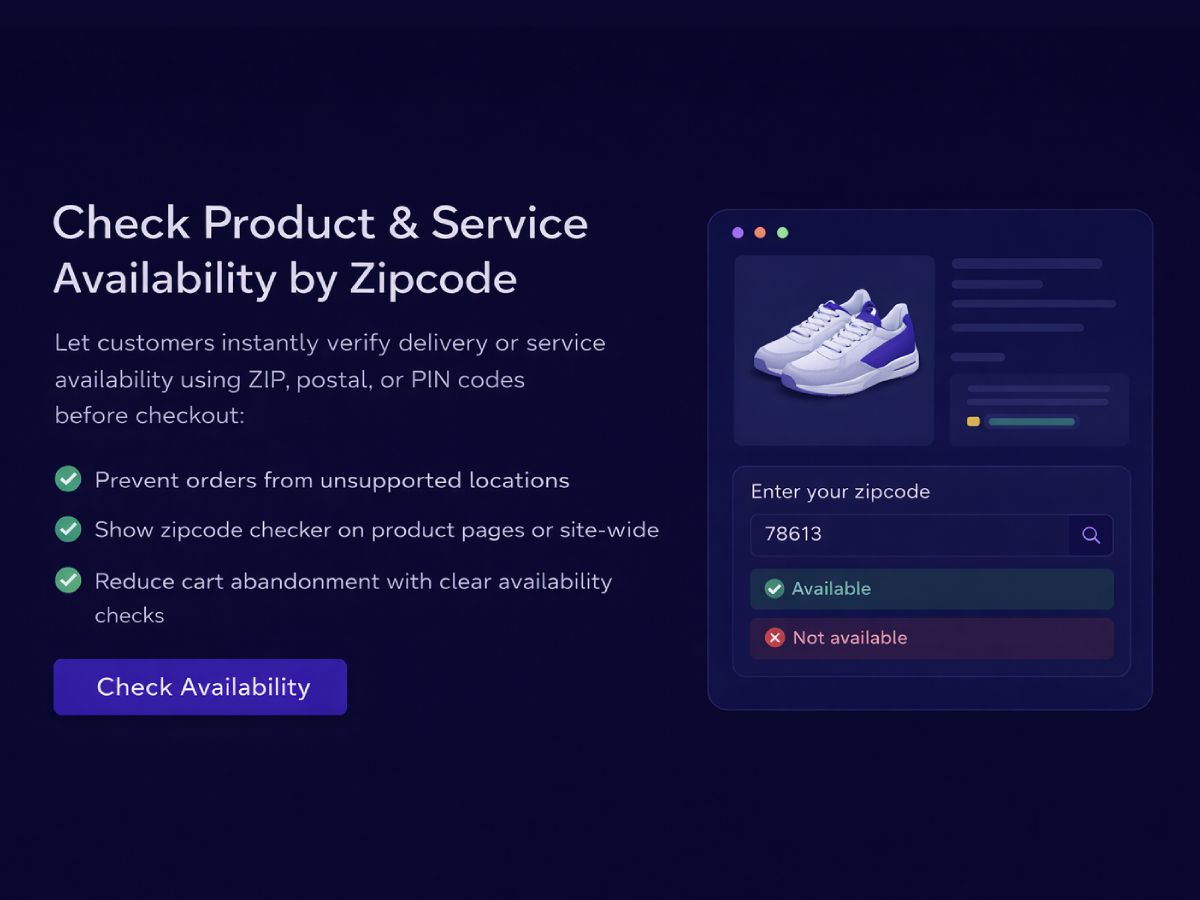
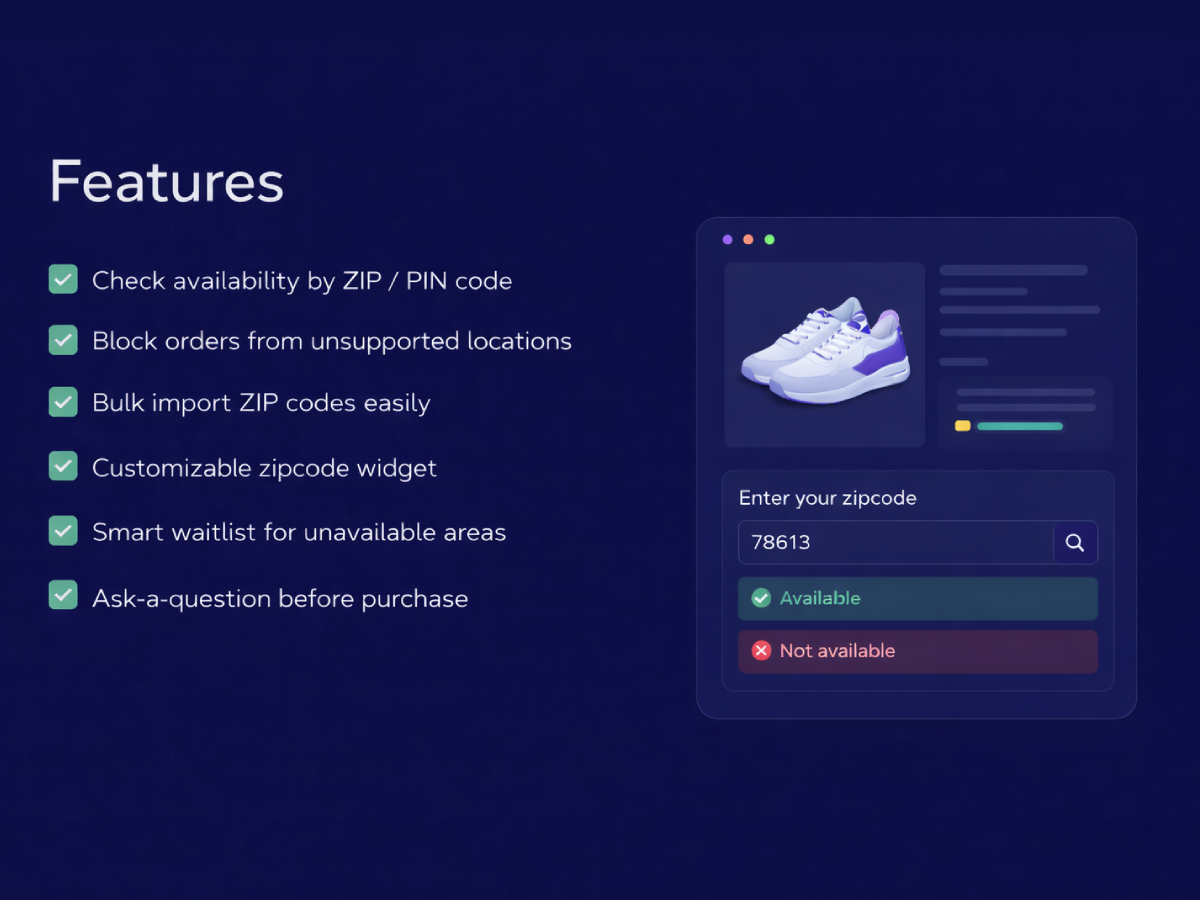
Let customers check if your product or service is available in their zip code — and automatically capture waitlists and questions for areas you don't yet cover.
Set up your zip code checker in under 5 minutes.
Available on Wix App Market
Getting your zip code checker live doesn't require technical knowledge. Add your zip codes, customize the widget, and embed it — all in minutes.
Add product and service zip codes one by one or bulk-import thousands instantly via CSV — each with delivery day estimates.
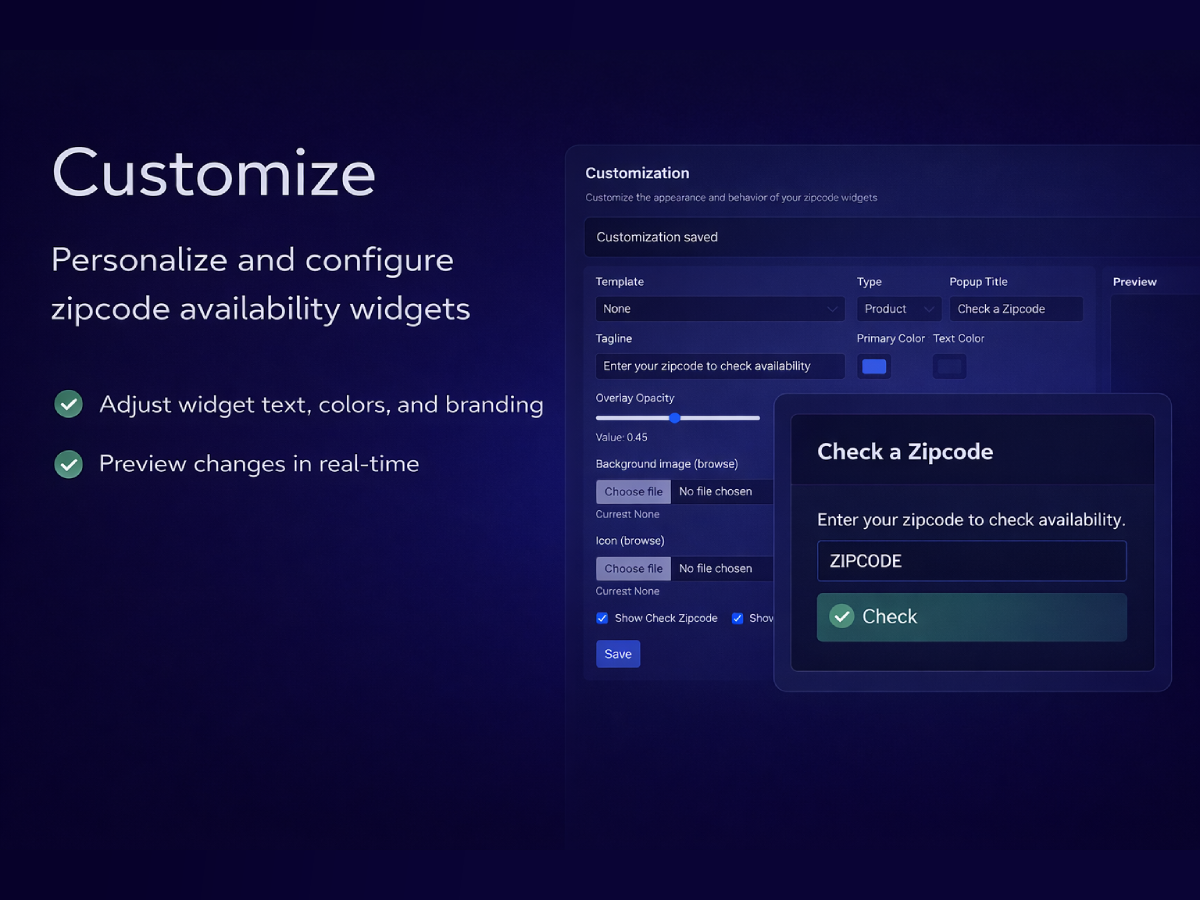
Set your brand colors, title, tagline, and images. Toggle "Check Zipcode" and "Ask a Question" on or off to match your workflow.

Paste the widget script on your site, activate the toggle in the top bar, and your customers can instantly check delivery availability.
Any business that delivers to specific areas — or provides on-site services — can use Zip Code Checker to set clear expectations and capture demand beyond their coverage zone.
Let shoppers verify delivery availability before they reach checkout — eliminating orders you can't fulfill and reducing cancellations and refunds.
Plumbers, electricians, cleaners, and installers can define exactly which zip codes they cover — with separate zones for different service types.
Restrict orders to the neighborhoods you can reliably serve. Show delivery day estimates so customers know exactly when to expect their order.
Block specific zip codes without removing them from your list — ideal for areas paused due to capacity, weather, or operational constraints.
Use waitlist data to identify which zip codes have the most unmet demand. Expand coverage where the data tells you — not where you guess.
Enable the Ask a Question feature so customers can submit delivery queries directly from the widget — reducing support emails before they arrive.
Manage zip codes, view waitlists, respond to questions, and monitor delivery statistics — all from one intuitive control panel.
Manage separate lists for product shipping and on-site service coverage — each with individual delivery day settings.
Set your colors, title, tagline, and images. Customize separately for product and service types to match each campaign.
See every customer who joined the waitlist or submitted a question — searchable, filterable, and ready to act on.
Zip Code Checker gives you a live view of where your customers are and where demand exists beyond your current coverage. Every waitlist entry is a signal — telling you exactly which zip codes are worth expanding into next.
The widget works silently on your site, letting customers self-qualify before they order. Available areas show delivery day estimates. Unavailable areas prompt customers to join a waitlist or ask a question — so no potential customer slips through the cracks.
Whether you run an e-commerce store, a local delivery service, or an on-site business, Zip Code Checker eliminates guesswork for both you and your customers. Set up your coverage zones once and let the app do the rest.
A complete zip code management toolkit — built for store owners and service businesses who need clear, reliable coverage control.
Add zip codes where you ship physical products, each with a custom delivery day estimate customers see instantly.
Manage a separate list of zip codes for on-site services — different areas and timelines from your product shipping zones.
Block specific zip codes from showing as available, even if they exist in your list — useful for temporarily paused areas.
Import thousands of zip codes in seconds with a two-column CSV (zipcode, delivery_days). The system detects and skips header rows automatically.
When a zip code isn't available, customers can join a waitlist. View, search, and filter all entries to identify your next expansion area.
Enable customers to submit delivery questions directly from the widget. All inquiries appear in your Asked Questions page.
"Before Zip Code Checker, we'd regularly get orders from areas we couldn't deliver to. Now customers know upfront and our cancellation rate has dropped significantly. The CSV upload made adding our zip codes effortless."
"The waitlist feature is gold. We expanded into two new zip codes last quarter purely based on waitlist demand data. I never would have known those areas existed without this app."
"We run both product delivery and on-site installation services. Being able to manage completely separate zip code lists for each is exactly what we needed. The widget customization is clean and matches our brand perfectly."
Start free and upgrade when you need more. No hidden fees, no long-term commitment.
Free
No credit card required
Paid
Everything unlocked
Zip Code Checker helps you manage delivery availability by zip code. Customers can check if their zip code is covered for product or service delivery, join a waitlist for unavailable areas, and ask questions — all from an embeddable widget on your website.
Go to Product Zipcodes or Service Zipcodes and use the CSV upload option. Your CSV file should have two columns: zipcode and delivery_days. The system automatically detects and skips a header row if present.
Product zip codes are for shipping physical products to customers. Service zip codes are for on-site services you provide. They are managed and reported separately — so you can have different delivery areas and timelines for products vs. services, even within the same zip code.
Go to Blocked Zipcodes and add the zip code you want to make unavailable. Blocked zip codes always show as "not available" to customers — even if the same zip code exists in your regular zip code list. Blocking takes priority, making it ideal for temporarily paused or permanently unavailable areas.
Enable the "Ask a Question" feature in the Customization page. Once enabled, the widget displays a form customers can use to submit delivery inquiries. All submitted questions appear on your Asked Questions page, searchable and filterable by type.
When a customer checks a zip code that isn't available, they're offered the option to join a waitlist by providing their email address. All waitlist entries appear in your Waitlist page, where you can view, search, and filter by Product or Service type — giving you clear data on where demand exists.
Go to Customization to set your widget's title, tagline, primary brand color, text color, and upload a background image or icon. You can customize separately for Product and Service types using the type selector, so each widget variant matches its context.
Use the sun/moon toggle buttons in the top bar of the admin panel to switch between dark and light mode. Your preference is saved in the browser and persists across sessions.
The Instance ID uniquely identifies your store or environment. It scopes all your data — zip codes, waitlist entries, and questions — so multiple stores can use the app on the same server without data overlap. You'll see it referenced in embed scripts and API calls.
Go to Asked Questions to view all customer inquiries, or Waitlist to see customers who signed up for unavailable zip codes. Both pages include search and filter options so you can quickly find entries by email, type, or other criteria.
Yes. The app offers a 7-day free trial so you can test all features before subscribing. No credit card required to get started.
Try a hard refresh (Ctrl+F5). Check that your CSV uses the correct format: two columns — zipcode and delivery_days. Verify your Instance ID is correct in all embed scripts. If issues persist, contact support@wixstore.shop and our team will help.
Start your 7-day free trial and set up your zip code checker in minutes.
Start Free TrialCSV import. Waitlist. Widget. No coding required.


